

Class Collaborate, proudly part of the Class family, is backed by our commitment to providing the best virtual classroom experience to instructors and learners alike.
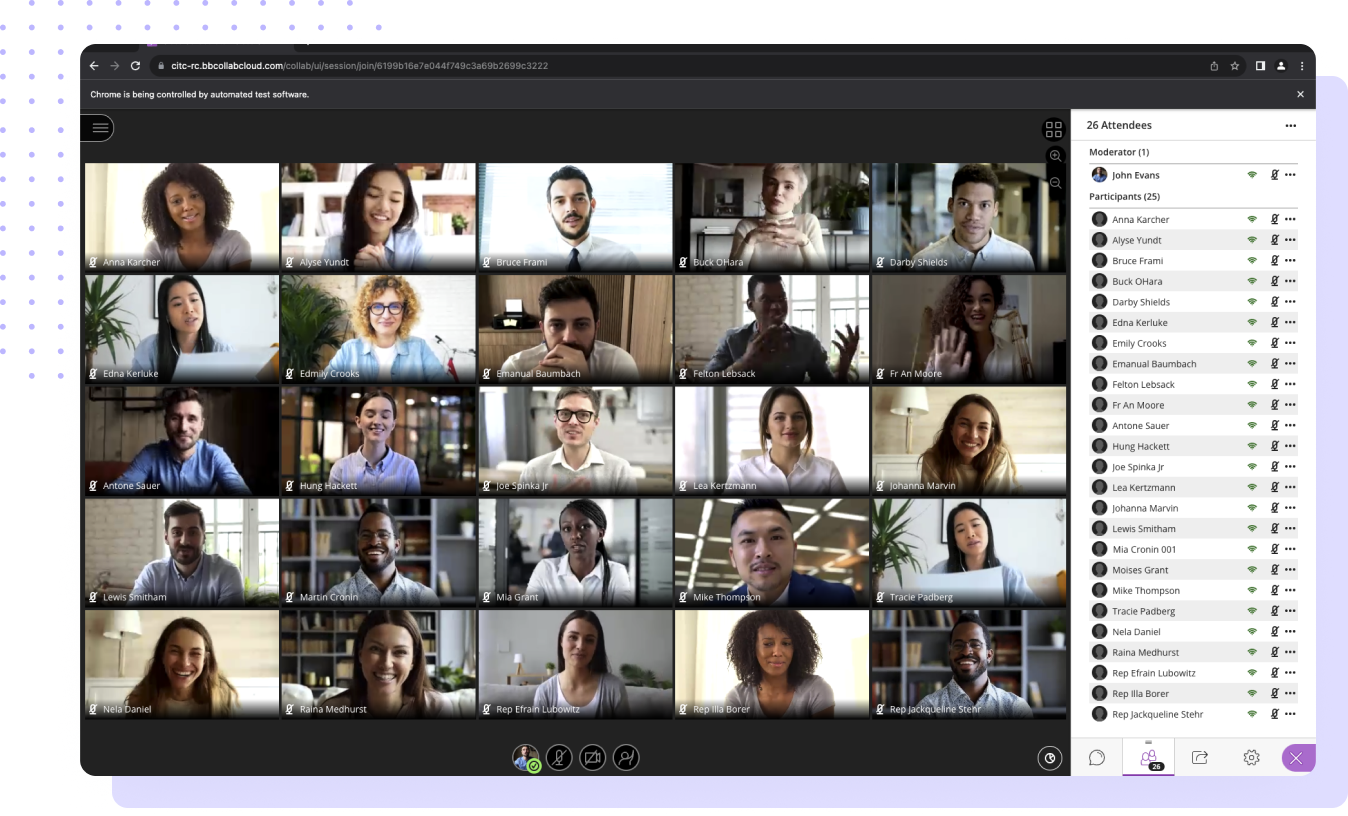
With interactive tools like whiteboarding and polls, educators can foster student collaboration in Class Collaborate, ensuring real-time feedback and secure access.
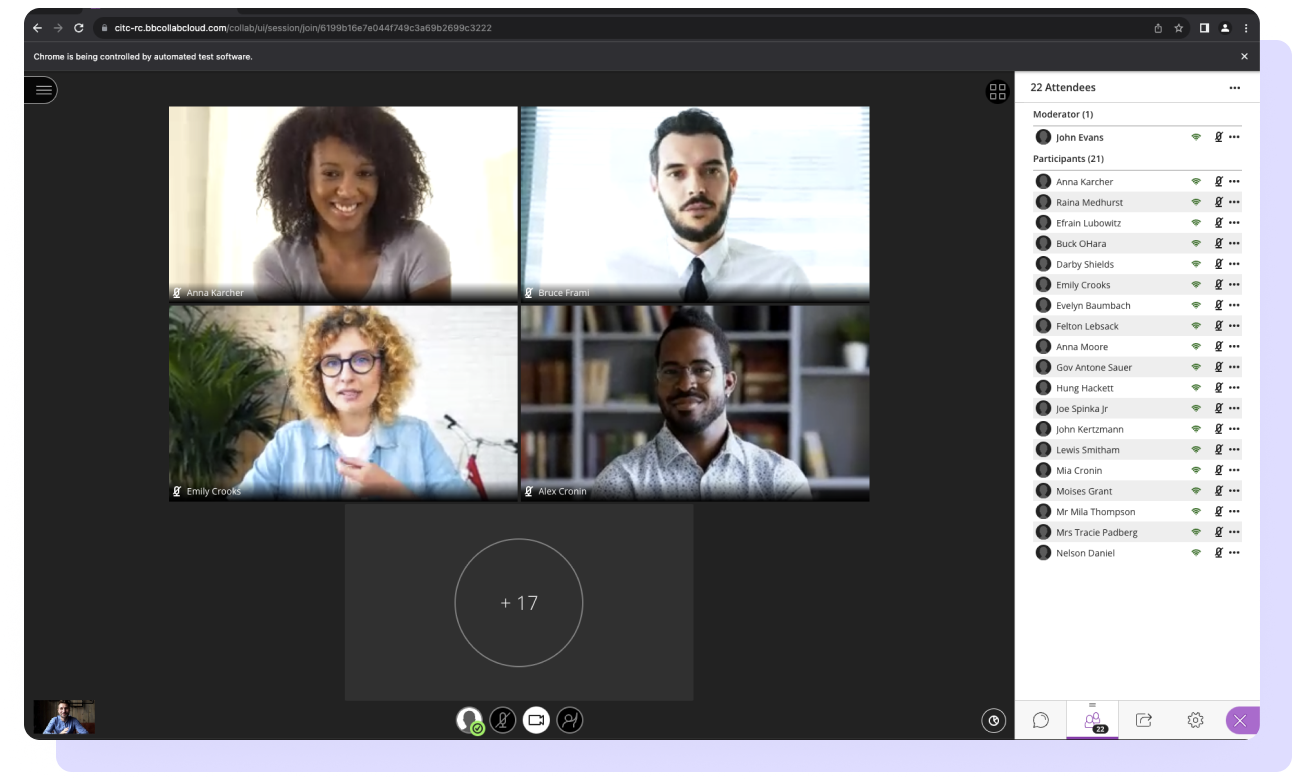
Utilizing interactive whiteboarding, chronological hand-raise notifications, extensive chat features, on-demand polls, moderated breakout groups, and more, educators foster innovative student collaboration. Real-time feedback ensures instructors gauge lesson effectiveness, enabling confident engagement with the entire class or personalized attention through group discussions, one-on-one office hours, and various configurations.
Class Collaborate establishes a safe, secure, and reliable learning environment. Our virtual classroom solution enables faster online classroom access through browser-based use. Class Collaborate eliminates app installation barriers, allowing learners to join from anywhere on any internet-connected device. Plus, instructor and student collaboration is restricted to only authorized educators and learners.
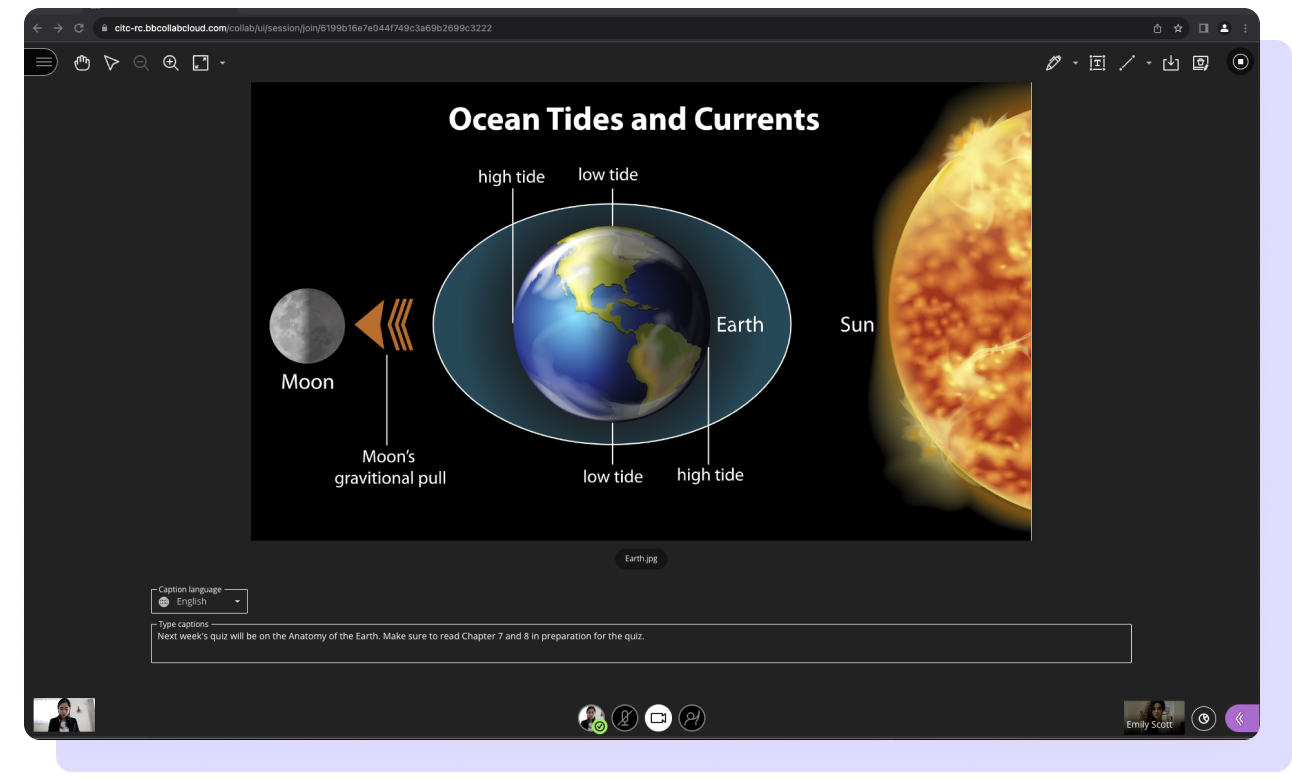
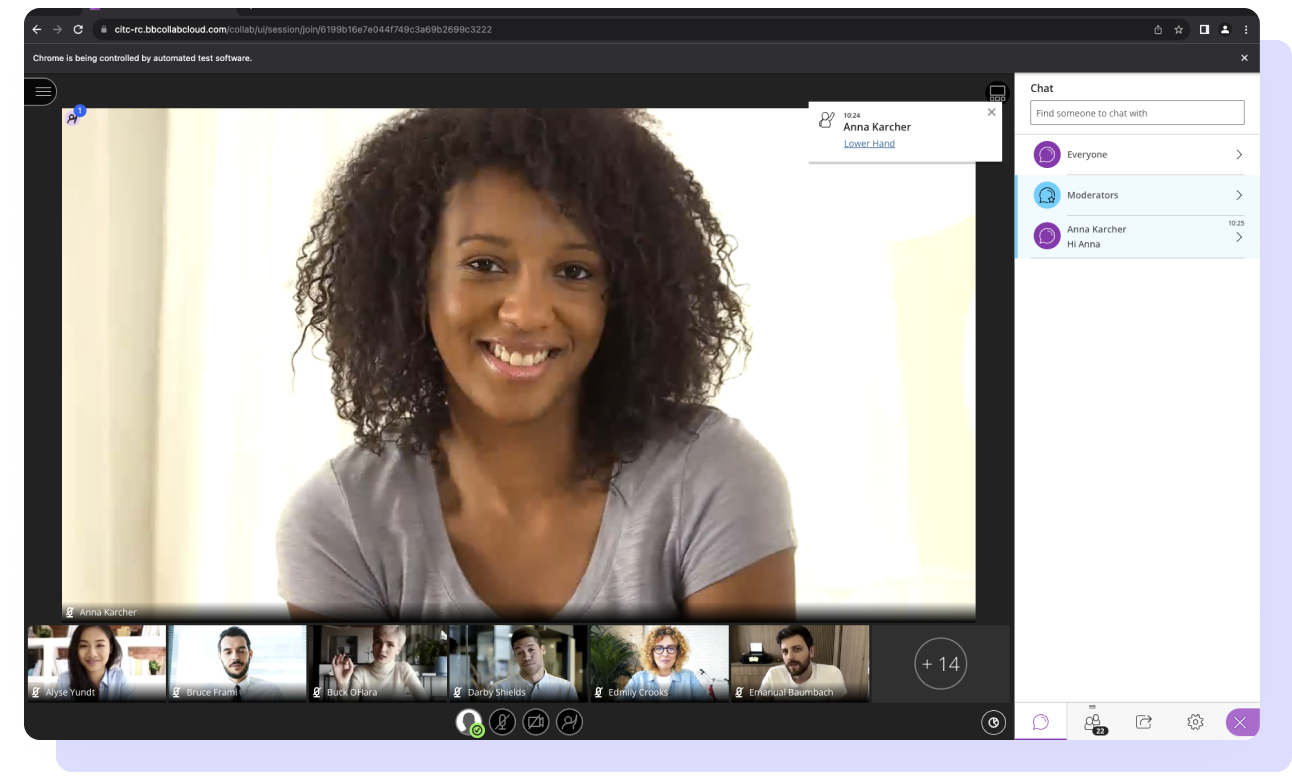
Help instructors and students save time through our virtual classroom tool, which flattens the learning curve typically requiring extensive collaboration software education. Class Collaborate is your optimal virtual classroom solution, and when combined with Blackboard Learn, your instructors unlock a next-level digital learning experience.
Class Collaborate customers are invited to join our cohort-based virtual upgrade program designed to support customers upgrading from Class Collaborate to Class 2.0. The program is free to Class Collaborate customers.
By combining Class Collaborate with Blackboard Learn, you’ll take your instructors’ and learners’ experiences to the next level with a perfectly embedded virtual classroom. The integration creates quick and easy workflows, shifting the focus back to what matters—teaching and learning.
Recordings are immediately accessible within the course once the sessions end
Everyone enrolled in the course gains automatic access with the appropriate level of room permissions
Class Collaborate sends the details to the course attendance page in Blackboard Learn for review and grading
Serve more students with a flexible, engaging online learning environment that fosters active learning
Offer high-quality, in-demand courses that match the flexibility students want with a robust virtual classroom
Empower growth through virtual training that supports onboarding, talent development, and compliance
Train your team at scale and ensure compliance with a fully secure, FedRAMP-certified virtual training platform
Features
Platforms
Integrations
Additional Products