Accessible by design
Accessibility is built into the fabric of Blackboard’s products, ranging from individual features to AI governance standards and quality initiatives. Our global accessibility team collaborates directly with product teams on design and development to prioritize accessibility. We partner with third-party organizations as needed for training and guidance to maintain our rigorous standards. Each product’s Accessibility Conformance Report (ACR) reflects our commitment to transparency, providing clear documentation for customers seeking to meet their own accessibility goals.
A proactive accessibility strategy that begins at product design
Transparent, detailed ACRs to help institutions meet accessibility standards
International in-house accessibility experts who are leaders in the field
Community involvement
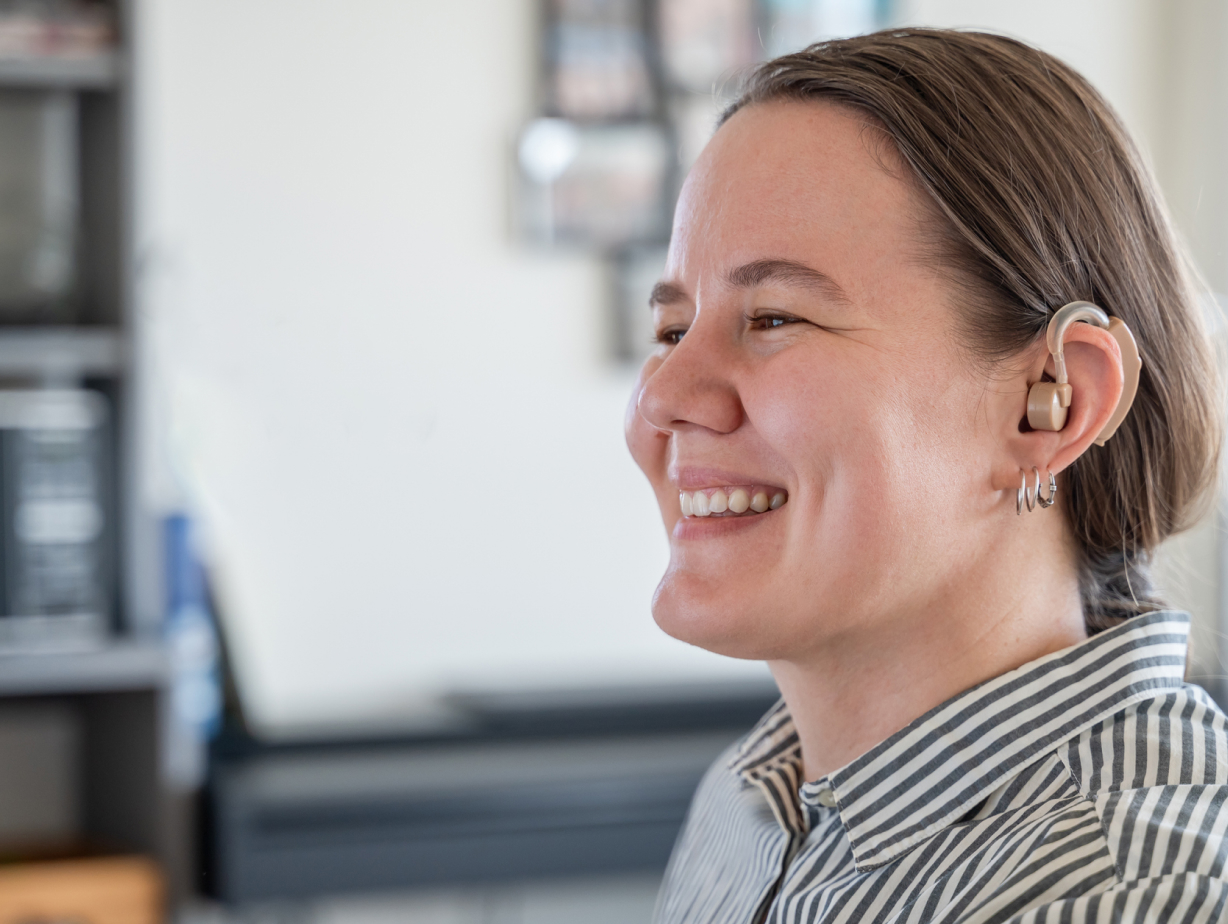
We recognize that meaningful accessibility begins with listening. Blackboard partners with institutions, nonprofits, accessibility advocates, and disabled users to inform our approach. Through focus groups, interviews, and ongoing consultations, we actively engage the community to ensure that our products meet real needs and continue evolving alongside our users.
Partnering with institutions and accessibility-focused organizations
Conducting focus groups and consultations with disabled users and allies
Integrating community insights to enhance our product design and development
Join our Blackboard Focus Group for Disabled Users and Disability Allies

Shared responsibility
Accessibility is a collective effort at Blackboard. Led by our dedicated director of accessibility and supported by Web Accessibility Specialists (WAS) certified by the International Association of Accessibility Professionals (IAAP), we work across teams to embed accessibility into each step of our product development lifecycle and our company culture. We’ve also established an internal network of accessibility champions throughout our organization who help keep accessibility a central focus.
Ongoing training and support for all teams on accessibility best practices
Network of internal accessibility champions driving initiatives across departments
Culture of shared responsibility where accessibility is everyone’s role

Our commitment to accessibility and inclusion
Blackboard’s approach to accessibility is designed to empower all users by creating inclusive, effective, and supportive learning experiences. Through community involvement, a shared responsibility model that incorporates accessibility through the product development lifecycle, a team of accessibility experts to guide and consult, and external third parties to advise as needed, we’re working to ensure that everyone can engage fully with our products and achieve their learning goals.
“At Blackboard, accessibility is more than a feature—it's foundational to how we do business
and empower learners to thrive. Our model of shared responsibility and emphasis on community
engagement means our commitment to accessibility is woven into every stage of our product
development lifecycle, helping institutions not just meet standards but actually enhance
educational experiences and opportunities for everyone.”
—Dr. Amy Lomellini, Director of Accessibility